
Use comments to discuss a card with your team without leaving the board. The number of comments appears on the card on the board.
Adding a comment
-
Open the card
-
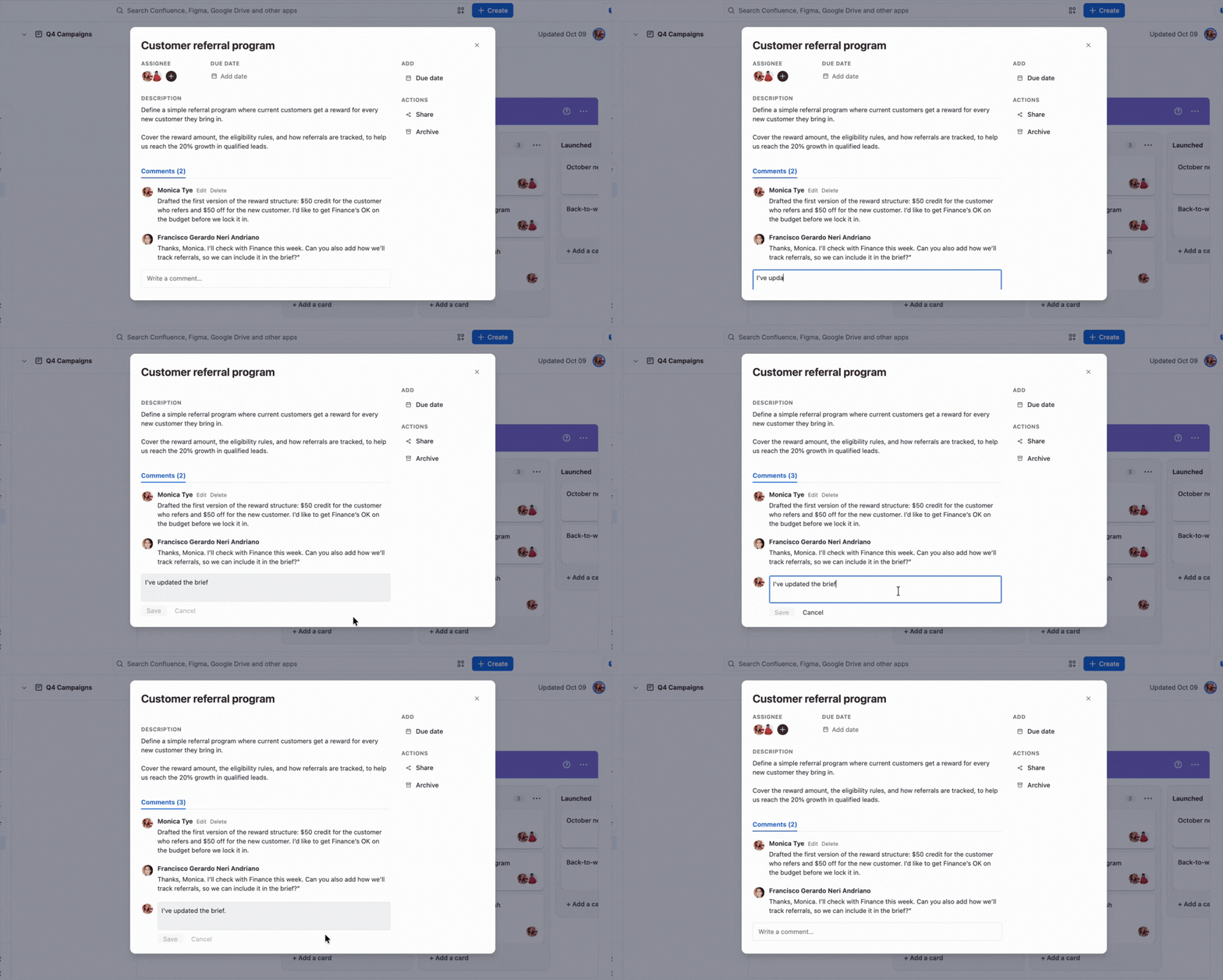
In Comments, click Write a comment… and type your message
-
Click Save. To discard it, click Cancel
The comment appears in the list with your name and avatar.
Editing a comment
-
Click Edit next to your name on the comment
-
Change the text
-
Click Save, or Cancel to keep the original
Deleting a comment
Click Delete next to your name on the comment. The comment is deleted right away, without asking for confirmation.
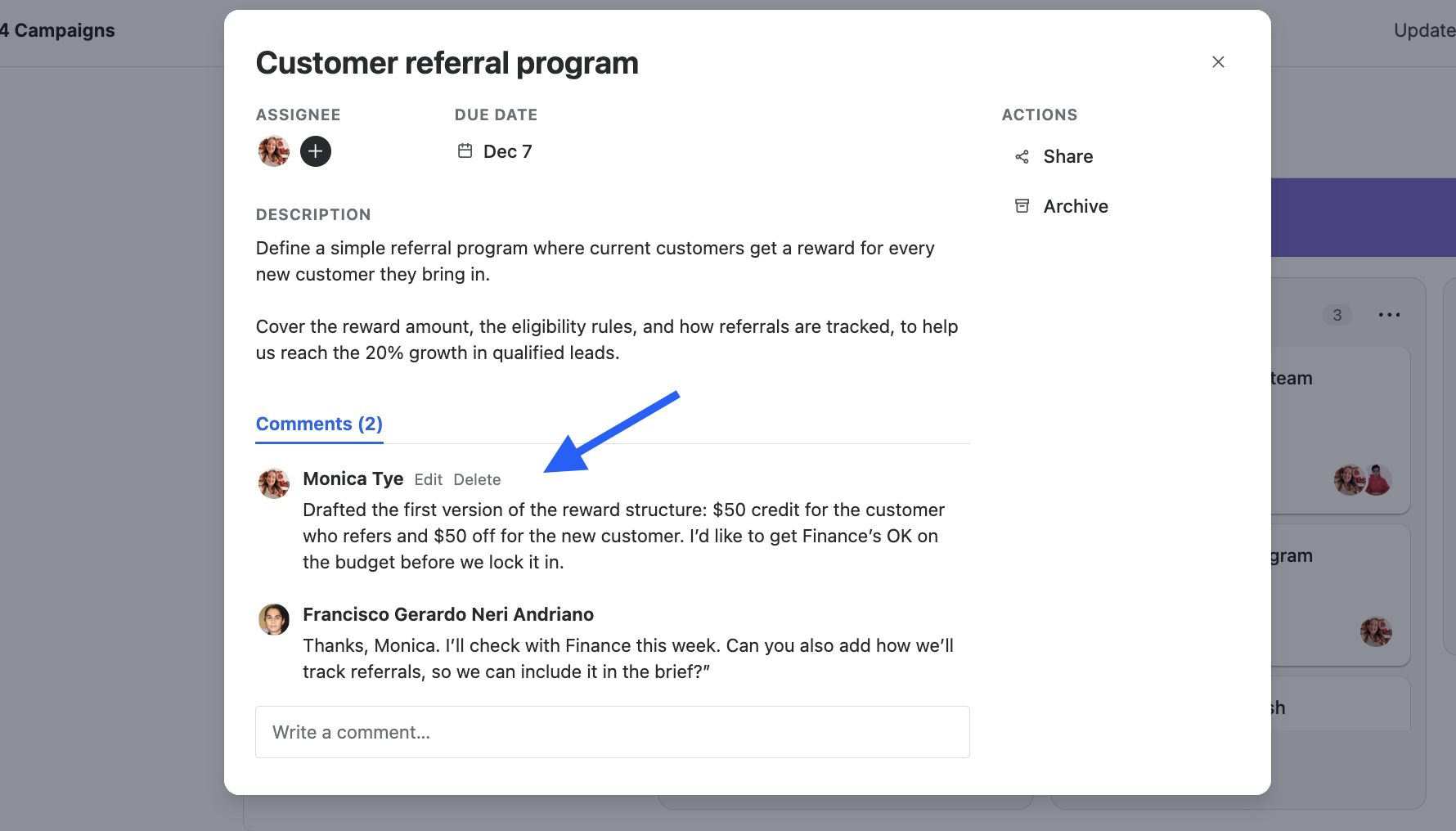
You can only edit or delete your own comments.
Next Steps
Learn how to find cards in Searching and filtering a board.